
10 min read
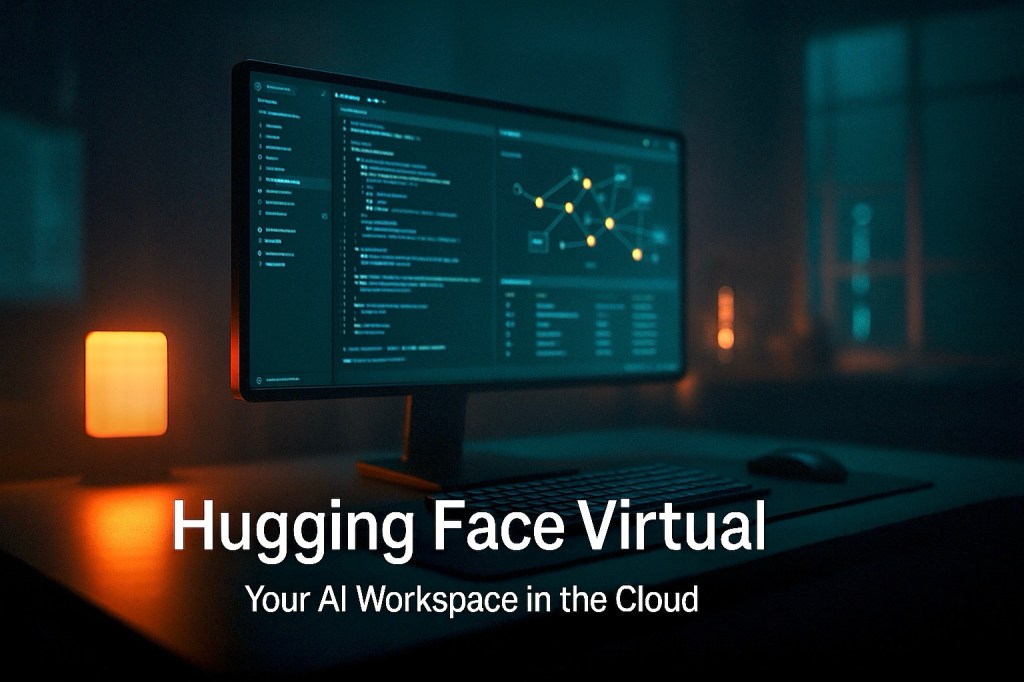
Introduction: The Rise of Virtual AI Labs
The AI world moves fast — but infrastructure, collaboration, and access to cutting-edge tools often lag behind.
What if there was a way to collaborate, train, test, and deploy AI models — all in a shared virtual space built for modern machine learning teams?
That’s the vision behind Hugging Face Virtual, a new evolution from the creators of the world’s most collaborative AI community.
Hugging Face Virtual isn’t just another product. It’s a digital-first lab environment, designed to remove friction between ideas and execution — while scaling compute, collaboration, and deployment in one place.
Hugging Face Virtual is not about cloud access. It’s about cloud-native collaboration for every AI practitioner, researcher, and team on the planet.
Let’s break down what Hugging Face Virtual really is, how it works, and why it’s reshaping the way AI development is done in 2025 and beyond.
What is Hugging Face Virtual?
Hugging Face Virtual is a platform designed to provide on-demand, browser-based access to advanced AI tooling, hardware acceleration, model training, and experimentation — all within the familiar Hugging Face ecosystem.
Think of it as a virtual AI workspace — where anyone, from solo developers to enterprise teams, can:
Launch Jupyter notebooks instantly Train large models on GPUs or TPUs Evaluate, debug, and visualize models Collaborate in real-time Access the Hugging Face Hub, datasets, and pre-trained models natively Deploy endpoints or share spaces — all from a clean, unified interface
It’s Hugging Face’s answer to the question:
“What if every AI builder had their own lab — no matter where they live, how much hardware they own, or what scale they operate on?”
Core Features of Hugging Face Virtual
1. Instant Access to GPUs and TPUs
Users can spin up environments with pre-configured GPU or TPU acceleration in seconds — perfect for:
Model training Fine-tuning Inference pipelines Zero-to-production deployments
No manual configuration. No billing nightmares. Just compute when you need it.
2. Browser-Based Jupyter Workspaces
Run experiments, visualize outputs, test hypotheses — right in your browser.
Jupyter environments come preloaded with libraries like:
Transformers Datasets Diffusers Gradio Accelerate Evaluate
Everything is production-ready from the start.
3. Seamless Integration with Hugging Face Hub
Load models, datasets, spaces, or metrics from the Hub instantly.
No pip installs. No cloning. Just connect and go.
4. Real-Time Collaboration
Invite team members into the same workspace.
Comment on cells. Share results. Tag collaborators.
It’s like Google Docs — but for deep learning workflows.
5. Deployment Built-In
Deploy APIs, endpoints, or share your model as a Hugging Face Space — all in a few clicks.
No dev-ops. No switching tools. Everything lives inside the same environment.
6. Pay-as-You-Go or Subscription
Choose flexible pricing:
Hourly compute Monthly tiers Enterprise SLAs You only pay for what you use — ideal for scaling without overcommitting.
Why Hugging Face Virtual Matters
Bridging the Skill Gap
Many talented developers don’t have access to large-scale GPUs, expensive cloud contracts, or in-house infrastructure.
Hugging Face Virtual removes these barriers by offering enterprise-grade tools to anyone with a browser.
Unifying Research and Production
In traditional ML workflows, training happens in Jupyter, but deployment happens elsewhere.
With Hugging Face Virtual, everything from training to testing to deployment happens under one roof.
Democratizing High-Performance AI
The gap between researchers at top universities and independent developers is shrinking.
Hugging Face Virtual makes state-of-the-art compute, models, and datasets available to anyone, regardless of budget.
Speeding Up Team Workflows
In team environments, syncing code, models, and results is painful.
With real-time collaborative notebooks and shared model spaces, teams can move faster — together.
Real-World Use Cases for Hugging Face Virtual
1. Model Training at Scale
Start training BERT, T5, or custom architectures with GPU/TPU support — even if your local machine can’t handle it.
Use Accelerate and PEFT (parameter-efficient fine-tuning) to run experiments without worrying about dev-ops.
2. Fine-Tuning Models for Production
Pull a pre-trained model from the Hub, fine-tune it on your own dataset, evaluate results — then deploy it immediately as an endpoint or space.
Perfect for startups shipping ML features on tight deadlines.
3. Collaborative Research
University students, researchers, and labs can now work together in shared workspaces.
Write papers, share experiments, build demos — all in one virtual environment.
4. AI Startups and MVPs
No need to hire an ML engineer + backend engineer + devops just to build a demo.
With Hugging Face Virtual, small teams can build, test, and deploy LLMs or vision models on day one.
5. Educational Bootcamps and Courses
Instructors can spin up GPU-backed environments for every student.
No installations. No local config. Just learning with real tools.
Comparison to Other Tools
Compared to Google Colab:
Hugging Face Virtual has tighter integration with the Hugging Face ecosystem More consistent GPU access Better team collaboration features Native model deployment options
Compared to Kaggle Kernels:
Hugging Face Virtual supports heavier compute More flexibility in environment management Full access to private and commercial models/datasets
Compared to SageMaker Studio or Vertex AI:
Hugging Face Virtual is more user-friendly for researchers and devs Less enterprise lock-in Focused on open-source, reproducible workflows
The Architecture Behind Hugging Face Virtual
Hugging Face Virtual is designed as a containerized compute platform, running isolated environments per user.
Each session includes:
Scalable compute allocation (CPU/GPU/TPU) Pre-installed libraries Mounted access to Hugging Face Hub Snapshot saving for experiment versioning Secure API keys and user credentials Optional enterprise-grade authentication
It builds on the philosophy of “batteries included, zero overhead.”
The goal is to maximize developer time, not setup time.
How Hugging Face Virtual Is Changing AI Culture
From Solo Hackers to Connected Creators
Hugging Face is best known for fostering a community-first culture.
With Virtual, it takes this to the next level — creating live spaces where learning, building, and sharing happen side by side.
From Notebooks to Products, Seamlessly
In many ML stacks, the gap between notebook code and production API is wide.
Virtual closes that loop — so the notebook becomes the product.
From Compute Scarcity to Compute Equity
Many regions and communities struggle to access training-grade GPUs.
Hugging Face Virtual acts as a global equalizer — bringing cloud infrastructure to the fingertips of anyone with ambition.
The Future Roadmap of Hugging Face Virtual
According to developer community feedback and internal hints, we can expect:
Custom Environments Bring your own Docker image or Conda env — perfect for specific pipelines or custom libraries. Multi-Session Syncing Link multiple notebook sessions for distributed training and team-wide debugging. VS Code Integration For power users preferring code editors over notebooks, with built-in sync to Virtual sessions. Federated AI Workflows Run private datasets and experiments while keeping your data local — useful for finance, healthcare, and enterprise AI. Marketplace of Templates Access public templates for use cases like sentiment analysis, image classification, audio transcription, and chatbot deployment. Offline-First Mode Preload sessions and sync later — useful in low-connectivity regions or field deployments.
Who Should Use Hugging Face Virtual?
Individual Developers: Build, test, fine-tune, and deploy models — even if you don’t own a GPU. AI Startups: Launch MVPs fast, iterate experiments, and ship demos with minimal infrastructure. University Labs: Share research, train on real hardware, collaborate across geographies. AI Educators: Deliver hands-on learning with no installation pains. Enterprise Teams: Manage internal ML workflows in a collaborative, cost-effective environment.
FAQs About Hugging Face Virtual
1. Is Hugging Face Virtual free?
Free CPU environments are available. GPU/TPU usage is metered or subscription-based.
2. Do I need to install anything?
No — everything runs in the browser. You just need a Hugging Face account.
3. Can I install custom libraries?
Yes. You can use pip, conda, or even request custom environments for team plans.
4. What kind of models can I run?
Any model available on the Hugging Face Hub — or your own custom model. Transformers, diffusers, vision models, audio models, and more.
5. How secure is Hugging Face Virtual?
Sessions are isolated per user. Team workspaces include role-based access and token scoping. Enterprise users can request custom auth setups.
6. Can I deploy APIs from my session?
Yes — you can deploy inference endpoints or public Gradio Spaces directly from within the notebook.
7. Does it support multimodal workflows?
Absolutely. Hugging Face Virtual supports models for text, vision, audio, and even structured data — all in the same environment.
Conclusion: Hugging Face Virtual is the AI Workspace We’ve Been Waiting For
As AI becomes more mainstream, the demand for collaborative, scalable, and open developer infrastructure will skyrocket.
Hugging Face Virtual is a bold response to that need — a global lab for machine learning that works from anywhere, with anyone, at any scale.
Whether you’re training your first model or launching a multi-billion parameter foundation model, Hugging Face Virtual offers:
Compute Collaboration Deployment Speed Simplicity
The cloud was built to host applications.
Hugging Face Virtual was built to host AI creators.
And in the era of accelerated intelligence — that’s the difference that matters.

 The Artificial
Leave a comment