
10 min read
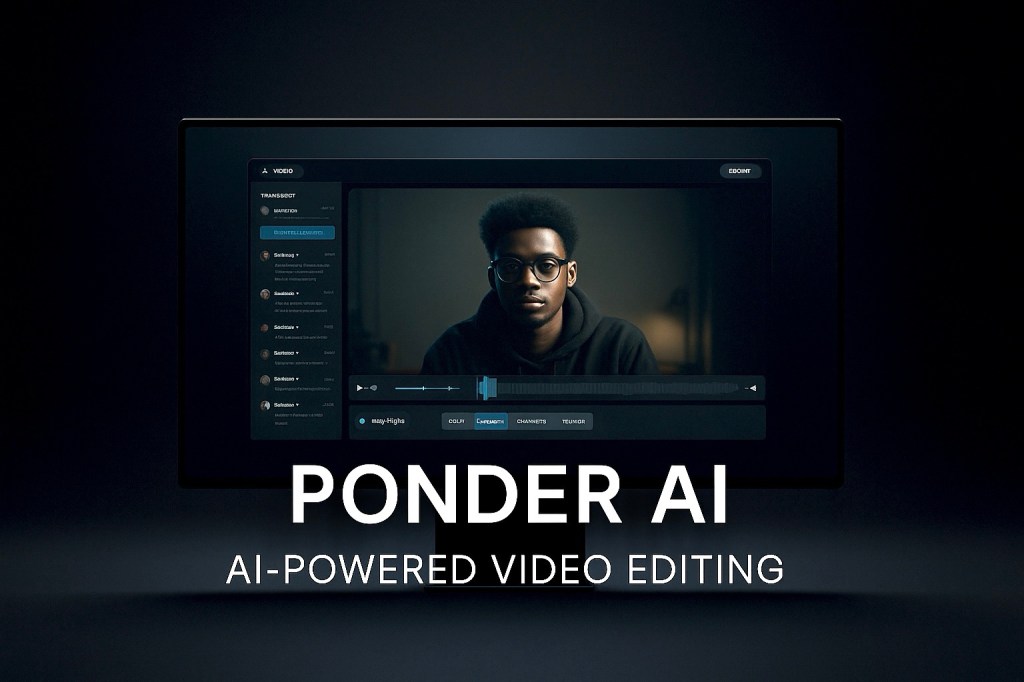
Introduction: Editing Smarter, Not Harder
In today’s content-driven era, video reigns supreme. But while video content has become faster to shoot, it hasn’t become faster to edit — until now.
For creators, agencies, educators, and marketers, the edit room has always been a bottleneck. Between endless footage, filler cuts, pacing decisions, and format requirements, editing is often the most time-consuming and mentally draining part of content creation.
Enter Ponder AI — a smart, modern AI-powered video editor that transforms your raw footage into ready-to-publish stories, with clarity, speed, and surprisingly human results.
Unlike most “AI video editors” that spit out cookie-cutter reels, Ponder is context-aware, emotionally intuitive, and narrative-focused — built for creators who want their content to feel crafted, not just compiled.
What Is Ponder AI?
Ponder AI is a next-gen video editing assistant that uses artificial intelligence to:
Analyze your video and audio Detect key moments and themes Cut silences and filler speech Recommend ideal pacing Help repurpose long-form content into shorts Generate captions, titles, and clip-based exports All while keeping your creative intent intact
It doesn’t just automate — it collaborates.
You’re still in control, but the tool does the heavy lifting of time-sucking decisions — especially if you’re:
A solo content creator A podcast editor A reels/shorts creator A coach or speaker A marketer juggling 10 videos a week A team turning webinars into social clips
What Makes Ponder AI Different?
Most tools in the “AI video” category are:
Template-driven Emotionally flat Built for quantity, not quality Limited in customization Focused on “edits” but not on story
Ponder stands out because it’s:
Smart and structured — it understands pacing, tone, and narrative arcs Non-linear and flexible — lets you edit by text, timeline, or suggestion Emotionally aware — detects shifts in tone, emphasis, and energy Personalized — learns your editing style over time Designed for deep use — not just repurposing
It’s not just faster.
It’s smarter.
Key Features of Ponder AI
1. Smart Scene Detection
Identifies speaker changes, silences, and transitions Detects moments of laughter, emphasis, or energy shifts Automatically marks “highlight-worthy” moments in your footage
2. Contextual Highlight Generation
Finds the best parts of your content based on story, energy, and message Surfaces segments that align with topic shifts or value bombs Suggests multiple clips from one long video
3. Auto-Editing Suggestions
Shows where to cut filler like “um,” “uh,” and redundant phrases Offers clean jump cuts with natural flow Suggests intro/outro trim points
4. Multimodal Editing Interface
Edit using a text transcript (just click and cut words) Or use the traditional video timeline Easily switch between both
5. Captions & Subtitles
Auto-generate captions with high accuracy Customize styles, fonts, alignment, and formats Burn captions into videos or export them separately
6. Clip Repurposing
Extract multiple short clips from long videos Automatically name them by topic Format for YouTube Shorts, Instagram Reels, TikTok, or LinkedIn Add minimal transitions for polish
7. Speaker Isolation & Enhancement
Recognizes individual speakers Cleans up audio Removes background noise Applies minor vocal enhancement where needed
8. Brand Customization
Upload your logo, font, color palette Set defaults for your brand overlays Maintain consistency across all edits
Use Cases: Who Is Ponder For?
1. Content Creators & Influencers
Upload a vlog or podcast Let Ponder detect strong opinions, jokes, or quotable lines Export clean, vertical clips with captions Publish on TikTok, Reels, Shorts, or X
2. YouTubers and Podcasters
Use Ponder to edit long-form videos faster Auto-cut silences and filler Generate trailers and sneak peeks Create teasers or segment recaps
3. Marketers & Agencies
Edit client footage at scale Maintain brand guidelines Reduce editing timelines Hand off edits to team members with shared style presets
4. Coaches, Educators, Speakers
Film a 30-minute training video Ponder segments it into learning units Creates reels or promo clips with one click Helps build a content archive from existing lectures
5. Corporate & Remote Teams
Edit Zoom calls or team recordings Keep only the essential points Add internal branding or title cards Use Ponder as a lightweight knowledge archive tool
Unique Advantages of Ponder
Emotion-Aware Editing
Highlights emotional peaks in speech Detects laughter, excitement, and emphasis Helps you preserve authentic moments
Text-Based Precision
Edit videos just like a Google Doc Remove a sentence from the transcript — it’s gone from the video Perfect for non-video editors
Multiple Clip Suggestions
One long video can become 10+ short ones Sorted by relevance and topic Saves time during repurposing
Minimal Interface, Maximum Focus
Distraction-free UI Dark mode Quick export presets Focused on clarity, not complexity
How Ponder Improves Workflow
Instead of:
Scrubbing footage for hours Watching the same video 10 times Manually cutting filler speech Guessing what clips might perform well Exporting, reviewing, repeating…
You simply:
Upload Let Ponder analyze Accept/edit suggestions Export in one go
Result:
5–10x faster workflow with fewer headaches.
Behind the Tech: What Powers Ponder AI
While the stack is proprietary, the tool likely uses:
LLMs (Large Language Models) for summarizing, structuring, and cutting Voice Activity Detection to identify speech, silence, and fillers Emotion Classification Models to tag moments with strong sentiment Semantic Analysis to break video into meaningful topic segments Vision Models (coming soon) to suggest B-roll and visual effects
Privacy and Security
Ponder takes creator privacy seriously:
Your videos are private and encrypted You control what’s stored or deleted No footage is used to train public AI models
Pricing Plans
While features may expand, the current model includes:
Free Trial Limited usage Watermarked exports Try core features Solo Creator Plan Monthly or yearly billing High-quality export Multiple clip formats Basic branding Pro Plan More storage 4K exports Advanced clip detection Priority processing Agency/Team Plans Shared workspaces Client folders Role-based access Style presets
Pricing may evolve with added features like:
Scheduled publishing Asset libraries Custom template flows
Ponder AI vs Traditional Editors
Instead of a table, here’s what you get with Ponder compared to manual editing:
No need to manually scrub footage Faster turnaround for client work Fewer decision bottlenecks No software bloat or plugin crashes Easier onboarding for non-editors Consistent social media outputs More content in less time — without losing quality
What’s Coming Next?
Ponder’s future roadmap may include:
AI-powered B-roll recommendations Emotion-based trailer generation Auto-branding overlays based on topic Interactive voice correction (re-speak parts with voice cloning) Visual storytelling coach that helps structure edits better One-click platform publishing
User Reviews and Testimonials
“I used to spend 4 hours editing a podcast. With Ponder, it takes 40 minutes — and looks better.”
— Indie podcaster
“It’s not just faster — it’s more intentional. I never lose my vibe.”
— YouTuber
“I run a content agency, and this is like giving each editor a brain upgrade.”
— Agency founder
Final Thoughts: The Editor That Understands You
Ponder AI is not just a speed tool — it’s a thinking partner for video.
It removes the drag of repetitive tasks.
It respects your creative identity.
It helps you get from raw content to refined narrative — fast.
And best of all? It’s designed for real people — not just pro editors.
In a world where creators burn out chasing quantity, Ponder AI brings quality back in — without slowing you down.
FAQs
1. Can I edit without touching the timeline?
Yes! You can use the transcript view to click and edit like a doc.
2. Can I make vertical content?
Absolutely. Ponder supports 9:16, 1:1, and 16:9 formats.
3. Does Ponder add music or B-roll?
Not yet — but those features are coming.
4. Is this beginner-friendly?
Yes. Even if you’ve never used an editor, you’ll find it intuitive.
5. Does it work for teams?
Yes. Pro and Agency plans support teams, folders, and role management.
6. Can I upload my brand kit?
Yes. Upload logos, fonts, and preferred color schemes for consistency.
7. Is there a mobile version?
Currently optimized for desktop. Mobile companion tools are in development.

 The Artificial
Leave a comment